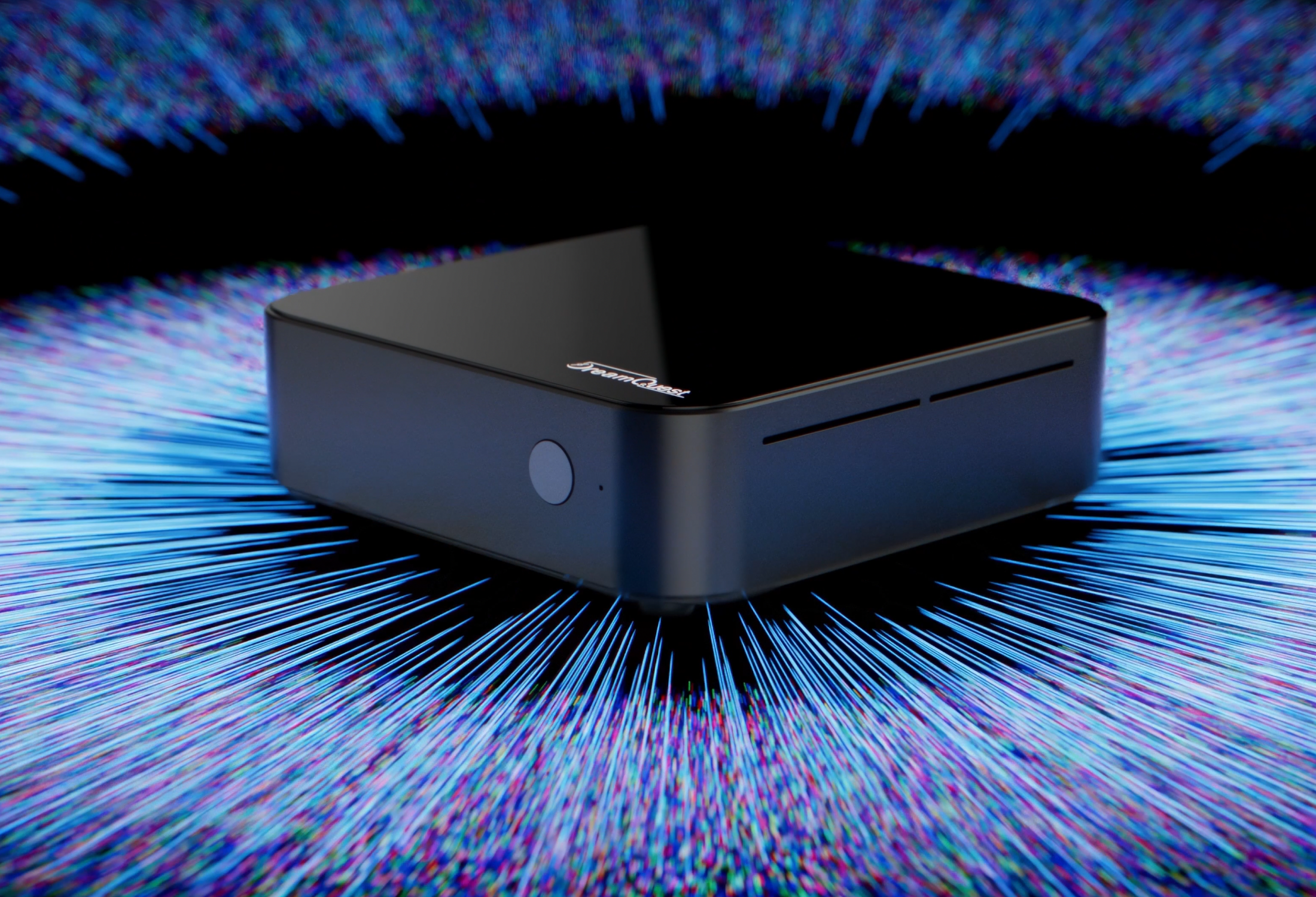
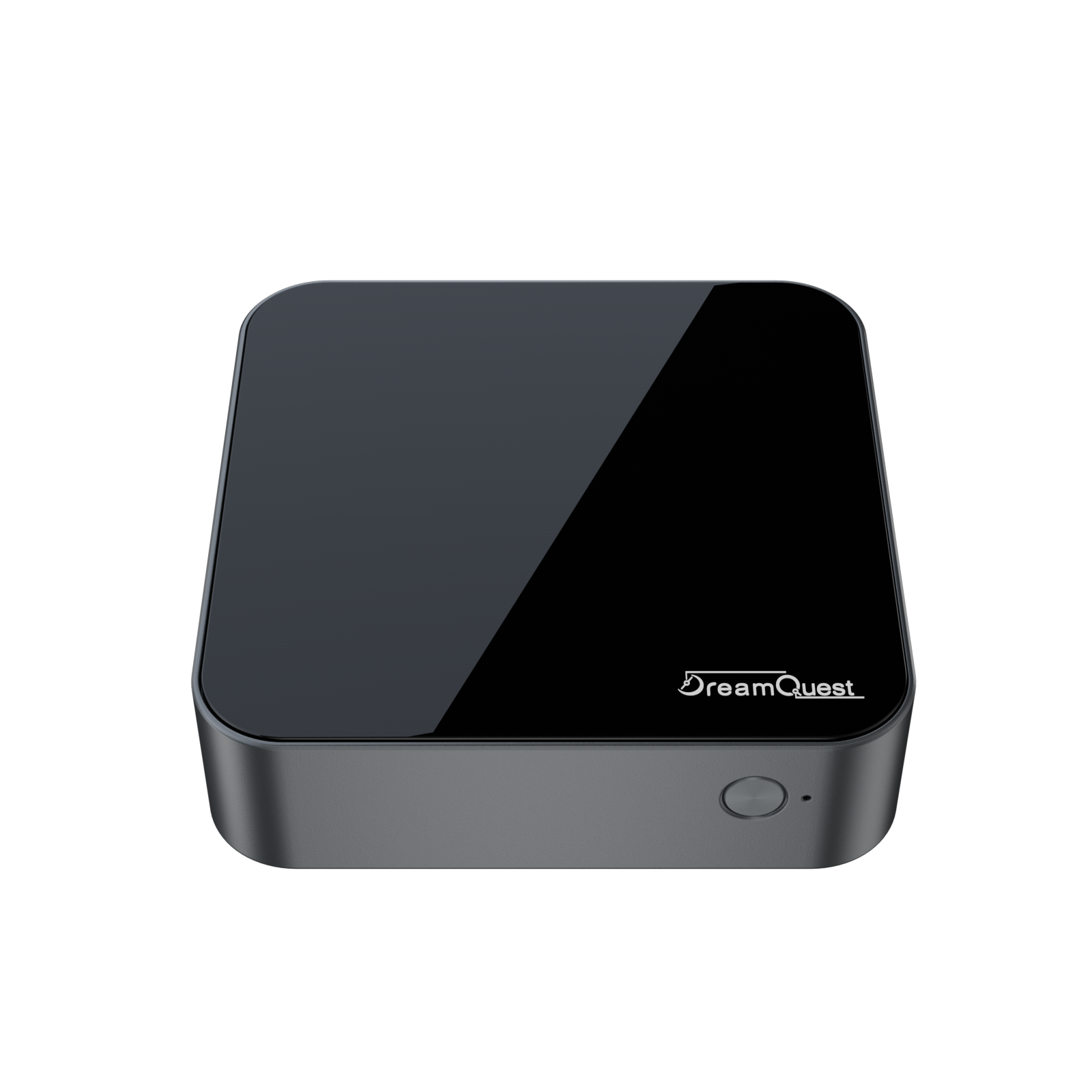
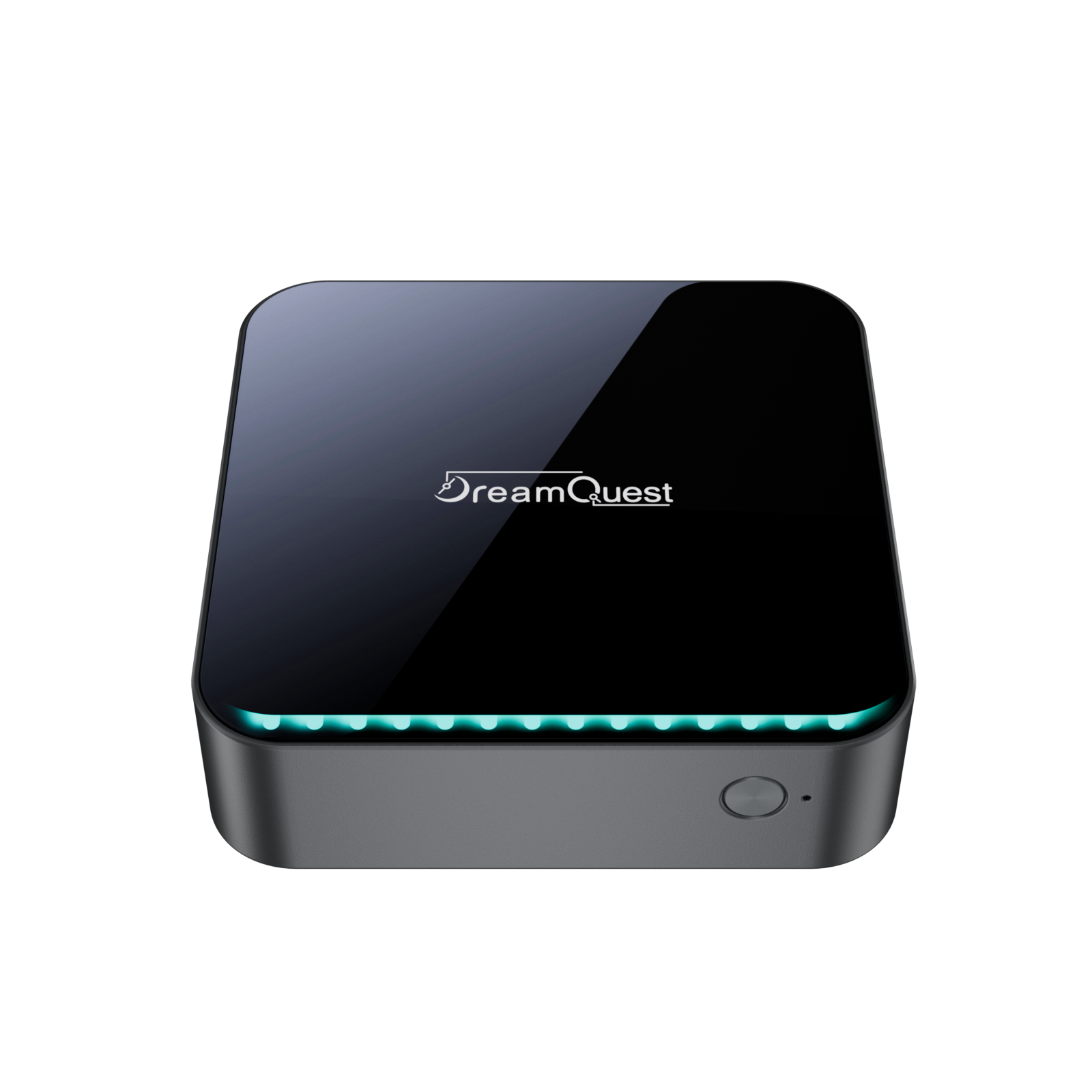
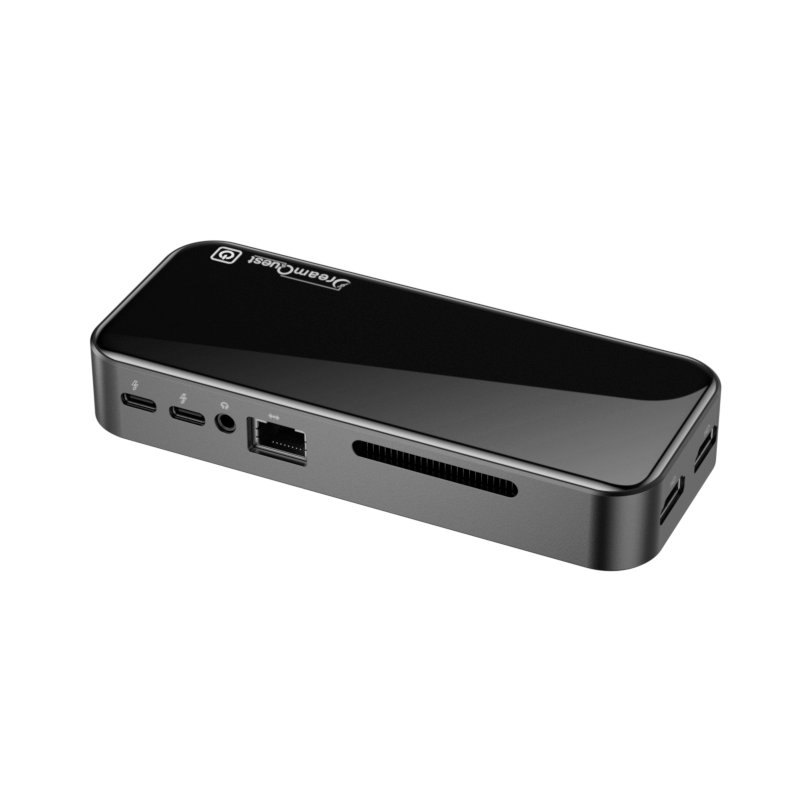

DreamQuest Mini PC Full Review
DreamQuest Mini PC Full Review — A Smart Choice for Productivity & Multi-Display Work
If you’re looking for a compact, reliable, and cost-effective computer to boost productivity or build a home entertainment setup, the DreamQuest Mini PC is well worth your attention. Powered by Intel’s N95 processor and preinstalled with Windows 11 Pro, this mini PC delivers smooth everyday performance with impressive expandability—ideal for modern work and home use.
Why Choose the DreamQuest Mini PC?
1. Modern Performance for Real-World Tasks
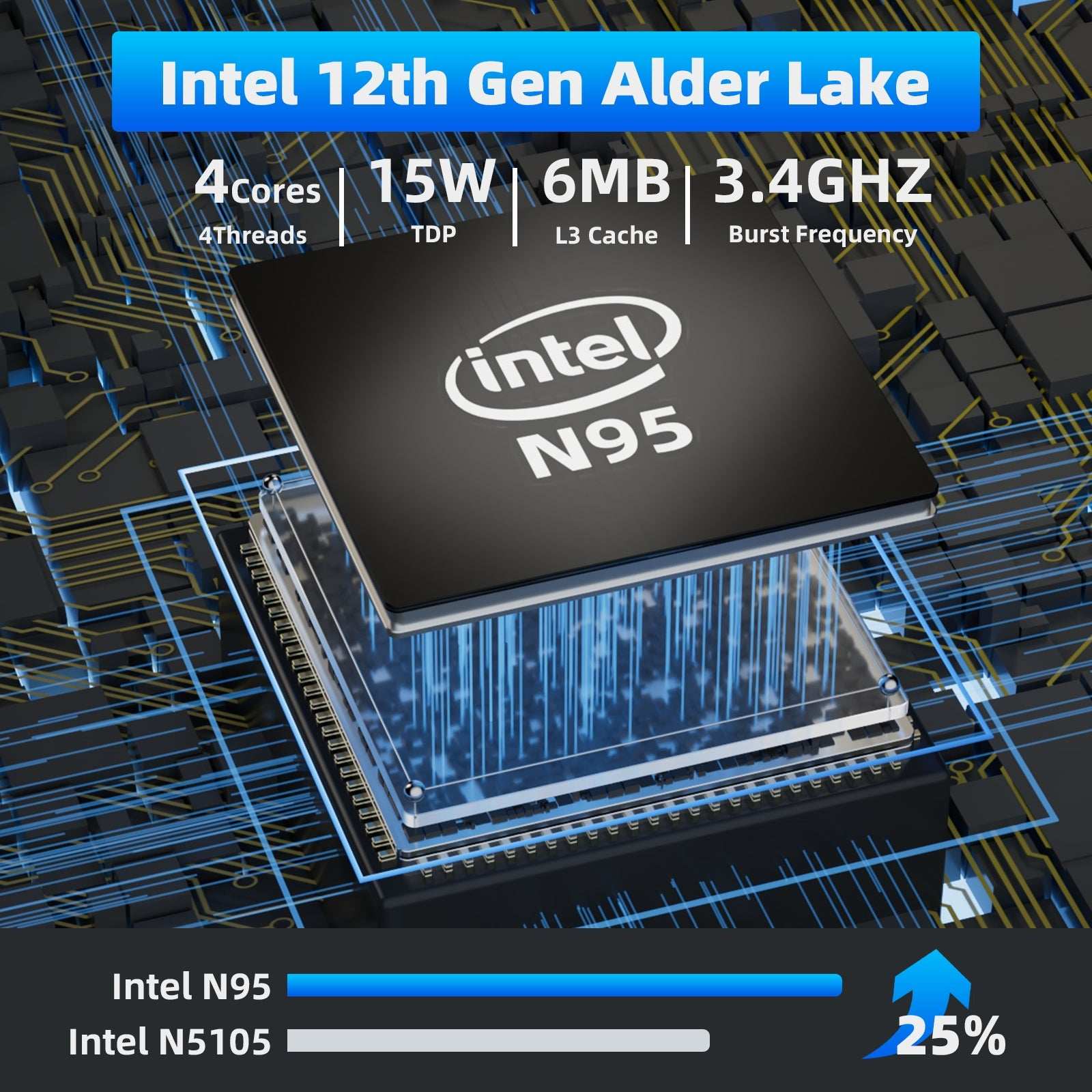
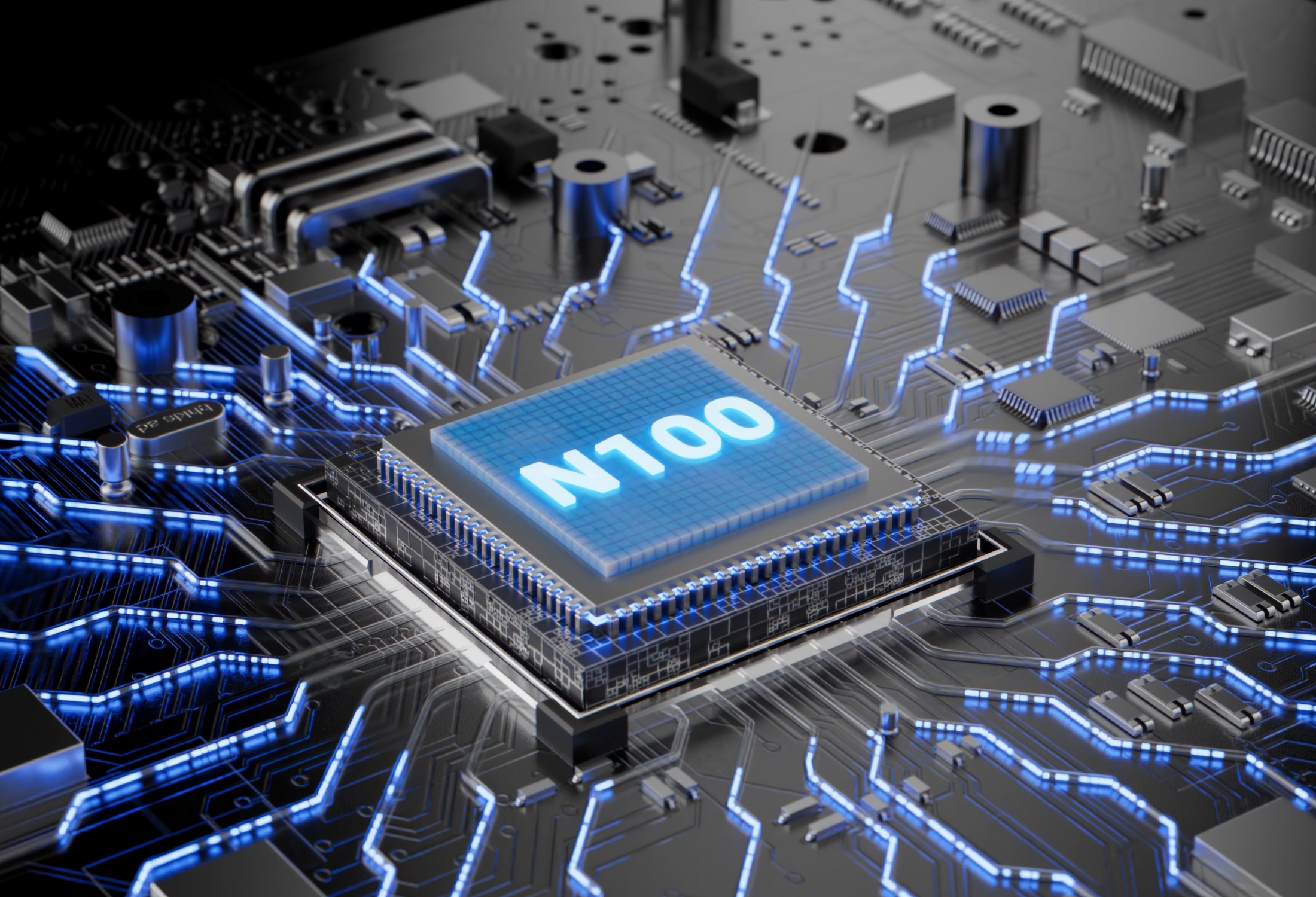
The DreamQuest Mini PC is equipped with a 12th-gen Intel N95 quad-core processor, with speeds up to 3.4GHz. Compared with older entry-level chips, it offers noticeably faster responsiveness while remaining energy-efficient.
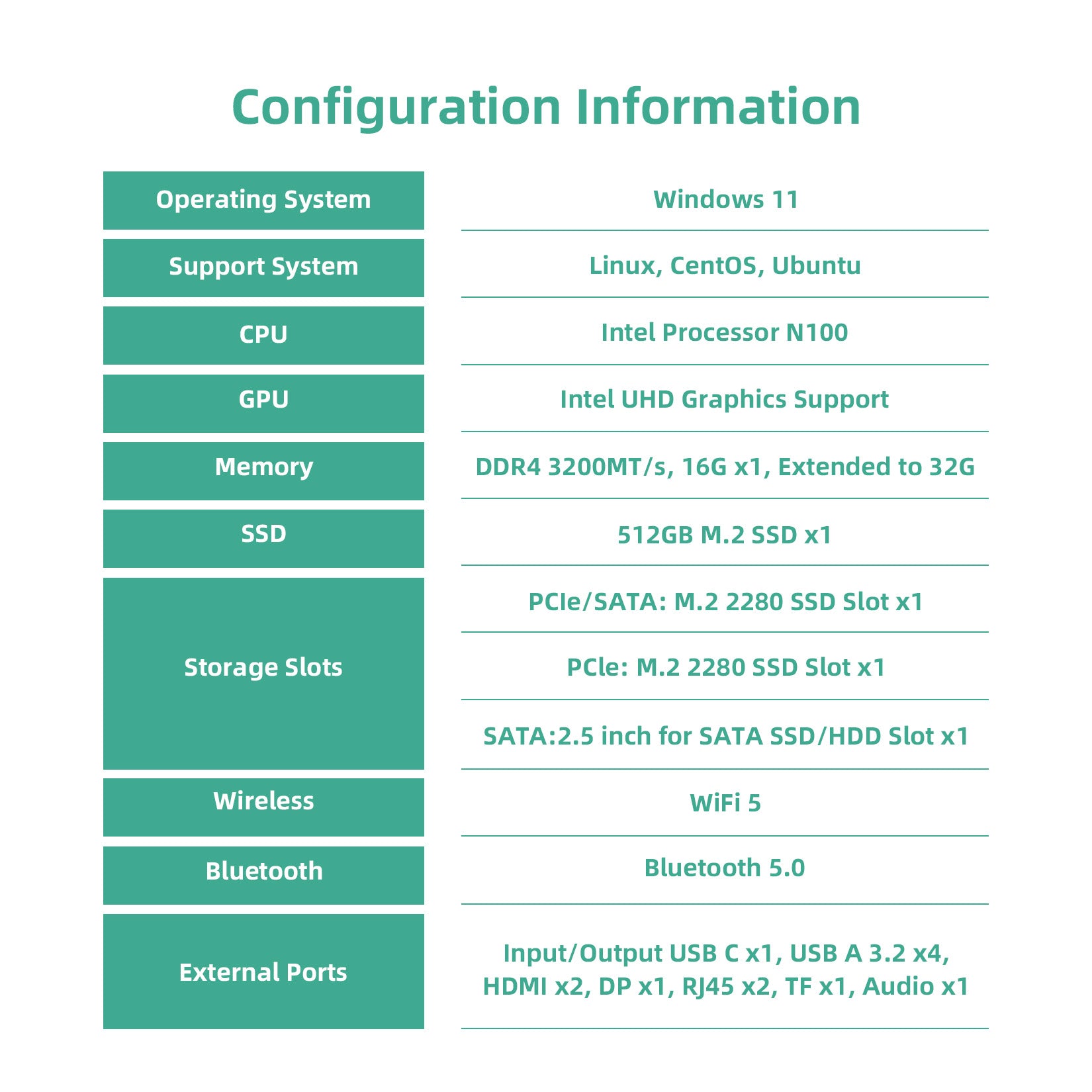
Paired with 16GB DDR4 RAM and a 512GB SSD (expandable up to 4TB), system boot times are quick, applications open instantly, and multitasking feels smooth—perfect for office work, browsing, video calls, and light creative tasks.
Triple 4K Display Support — Work Smarter, Not Harder
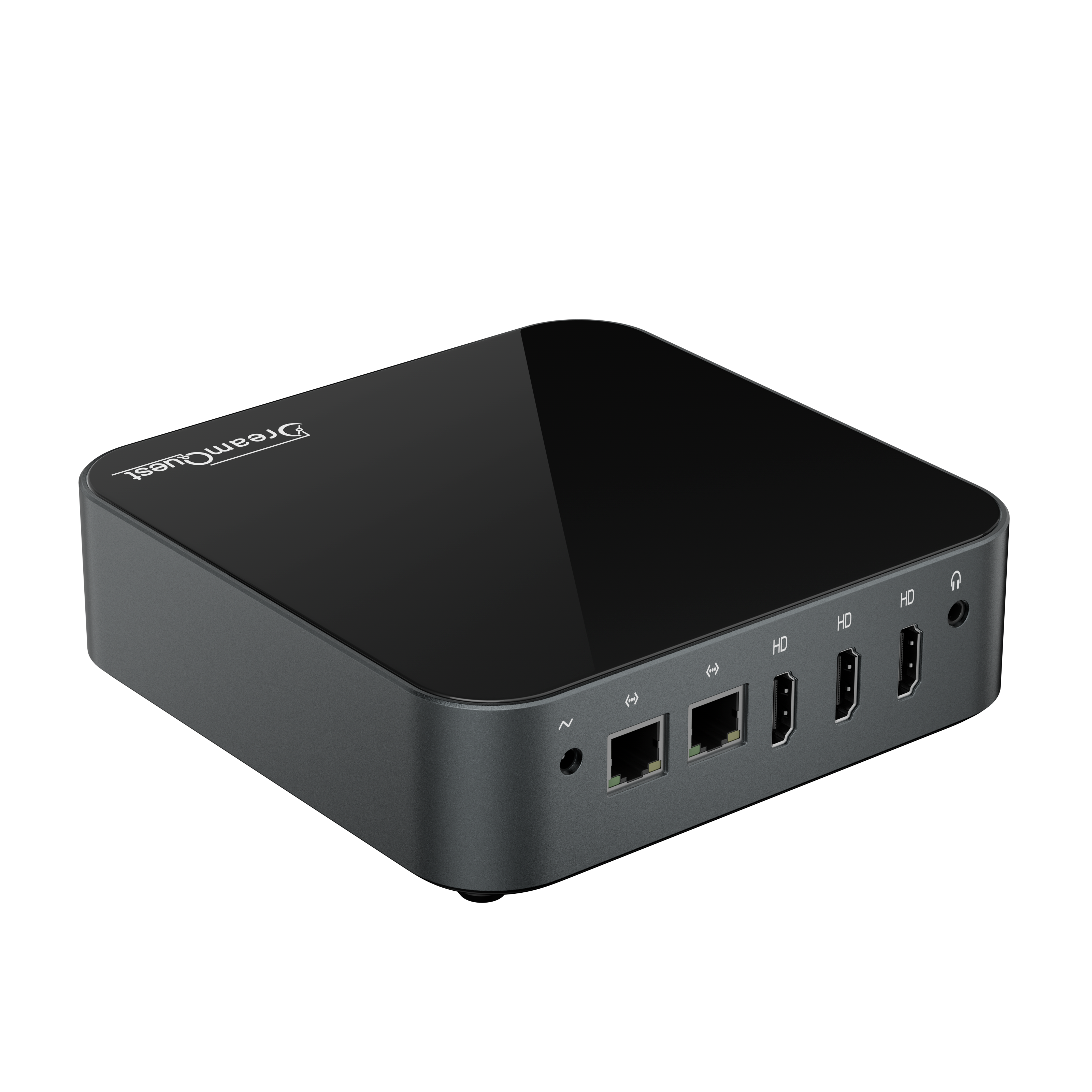
With support for up to three displays via HDMI / DisplayPort / USB-C, the DreamQuest Mini PC can output 4K @ 60Hz, making multitasking effortless.
- Work with documents, email, and browsers simultaneously
- Handle data analysis and spreadsheet workflows more efficiently
- Run remote meetings with multiple windows open
Compared to traditional laptops with limited display output, a multi-monitor mini PC setup can dramatically improve productivity.
Flexible Connectivity & Expansion
Despite its small size, the DreamQuest Mini PC offers a practical and business-friendly port selection:
- Multiple USB 3.2 ports
- Dual Gigabit Ethernet ports
- Wi-Fi and Bluetooth support
- Internal expansion for additional SSD or HDD storage
Connecting peripherals, external drives, printers, or network equipment is quick and hassle-free.
Windows 11 Pro Preinstalled — Linux Friendly
The system comes preinstalled with Windows 11 Pro, so it’s ready to use right out of the box. It also supports Linux distributions such as Ubuntu, making it suitable for developers, IT environments, and custom setups.
Who Is This Mini PC For?
Remote Work & Small Businesses
Stable performance, compact size, and multi-display support make it an excellent daily work machine.
Home Entertainment & Media Centers
With smooth 4K video playback, it works perfectly as a home theater PC connected to a TV or projector.
Students & Multitaskers
Multiple screens and fast system response help keep study, research, and productivity organized.
Final Verdict — Is It Worth Buying?
If you’re searching for a mini PC that offers:
- Strong everyday performance at a reasonable price
- Triple-display 4K support
- A small footprint with serious connectivity
- A ready-to-use Windows 11 Pro experience
Then the DreamQuest Mini PC stands out as a highly cost-effective and practical choice.
What to Consider Before Buying a Mini PC in 2025?
DreamQuest Max Deep Dive: Ultimate Desk Aesthetic or Performance Powerhouse?
Related Posts

DreamQuest Max Deep Dive: Ultimate Desk Aesthetic or Performance Powerhouse?

What to Consider Before Buying a Mini PC in 2025?

Choosing the Best Deep Learning Workstations for AI & ML: A Guide for Professionals
DreamQuest N100 Mini PC Running Linux: Benchmarks
Discover the Ultimate Mini PCs for Your Home Theater in 2024!
How Much RAM Does a Mini PC Need?