
What to Consider Before Buying a Mini PC in 2025?
DreamQuest Max Mini PC Review — Compact Powerhouse for Work & Entertainment
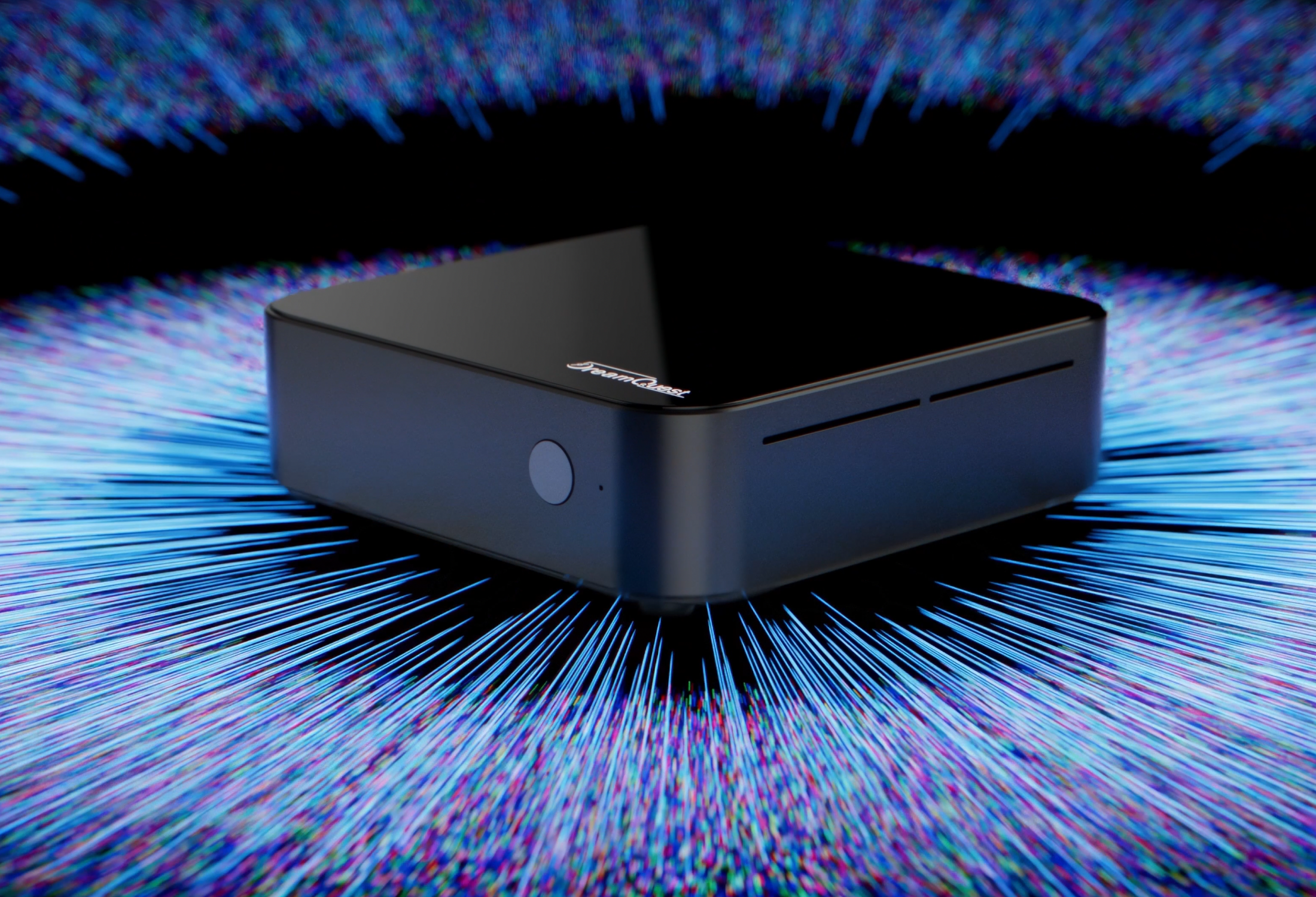
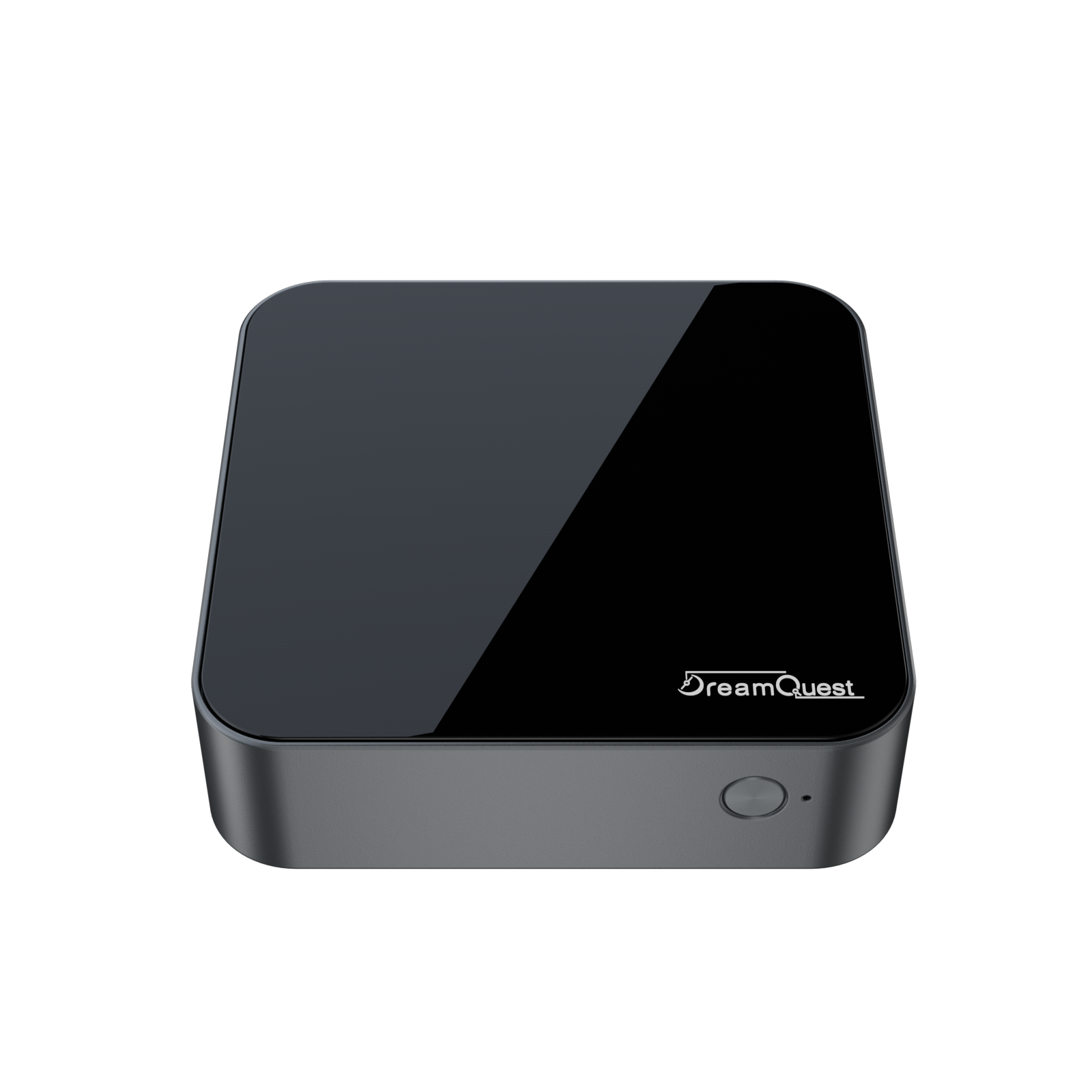
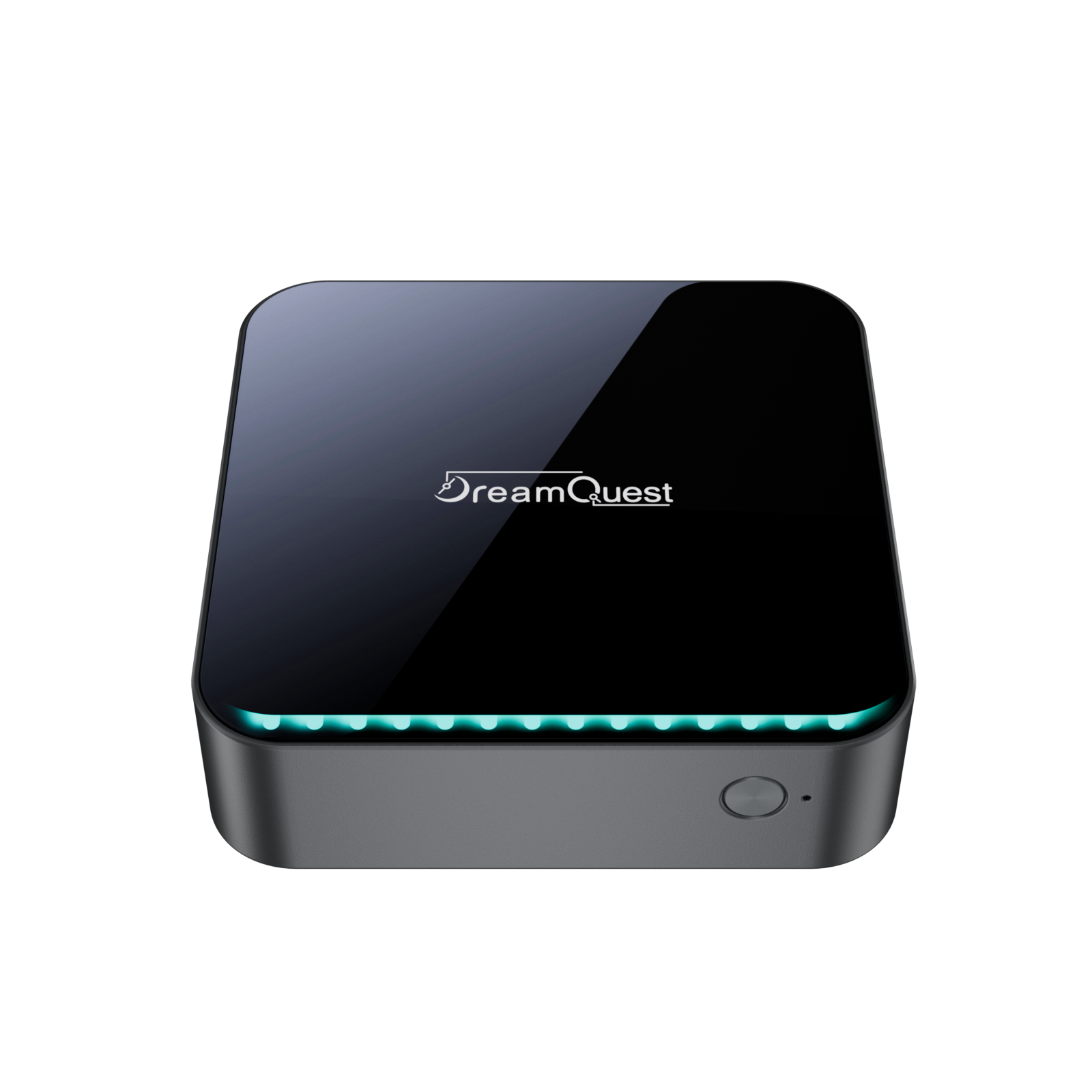
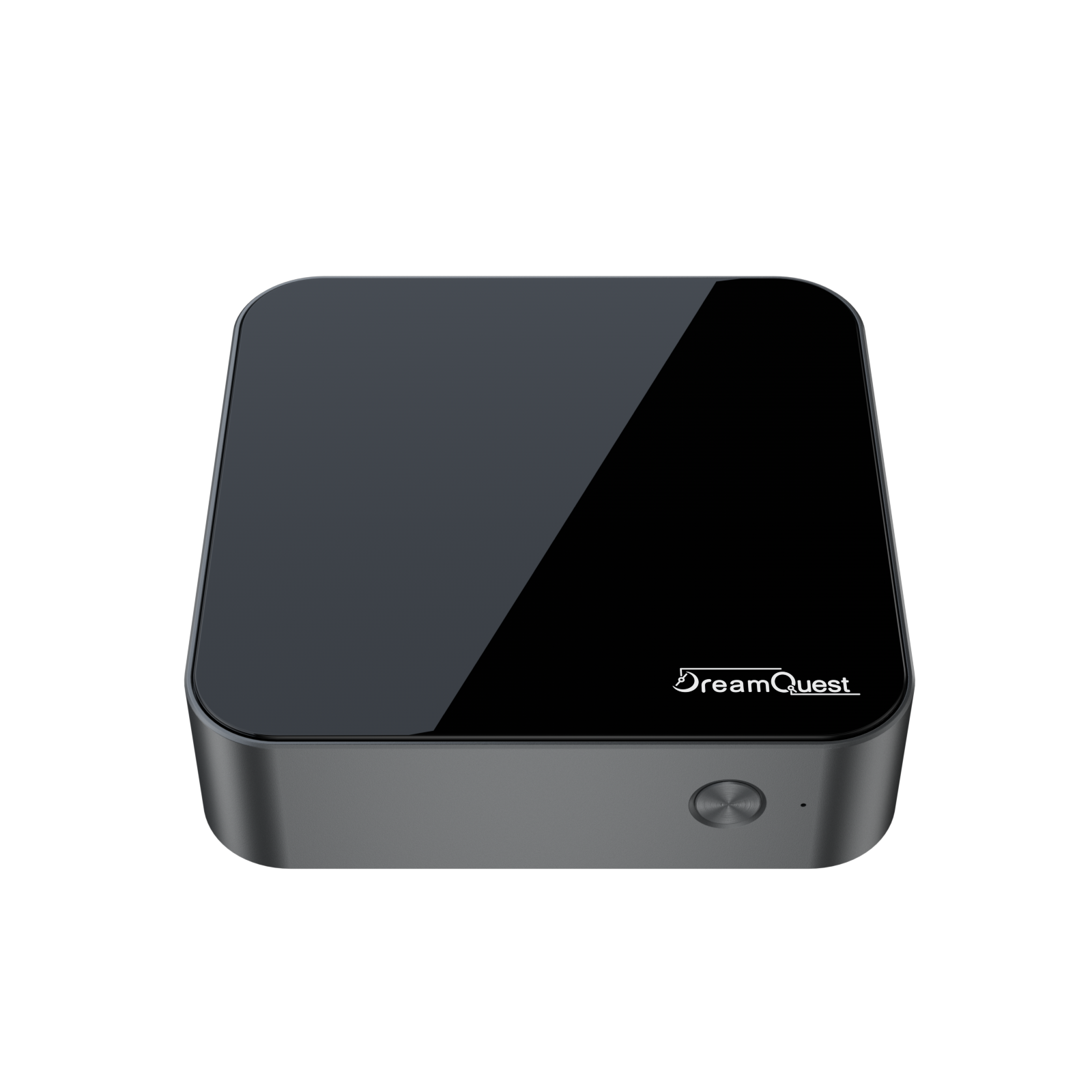
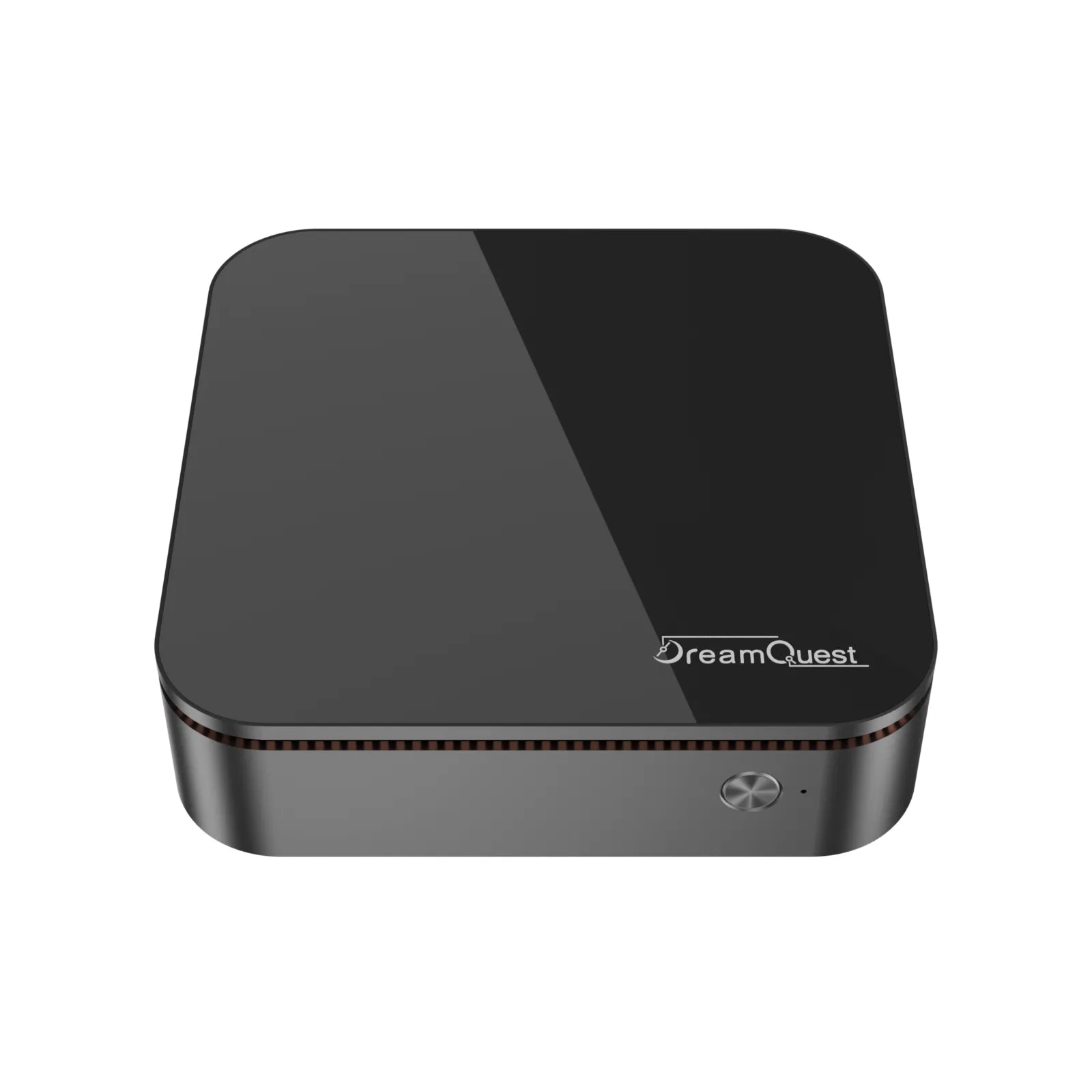
If you’re searching for a mini PC that combines strong real-world performance with compact portability, the DreamQuest Max Mini PC is an excellent choice. Designed to be a full-fledged desktop replacement in a tiny form factor, it’s ideal for both professional and personal use.:contentReference[oaicite:1]{index=1}
🔥 Performance That Keeps Up With You
The DreamQuest Max is powered by an AMD Ryzen™ 5 7430U processor, delivering smooth performance for everyday computing tasks, multitasking workflows, and entertainment. With up to 6 cores and 12 threads, it handles business apps, browser tabs, video calls, and media streaming with ease.:contentReference[oaicite:2]{index=2}
Depending on configuration, you can choose from 16GB up to 64GB of RAM and a range of SSD storage options — from 512GB up to 4TB — giving you the flexibility to store files, apps, and projects without compromise.:contentReference[oaicite:3]{index=3}
🖥️ Stunning Multi-Display & Graphics Support
Built with integrated AMD Radeon™ RX Vega 7 graphics, the DreamQuest Max supports crisp visuals and multi-display setups. Connect multiple screens for improved productivity — perfect for designers, creators, and multitaskers who want more screen real estate.:contentReference[oaicite:4]{index=4}
🔌 Versatile Connectivity for Every Setup
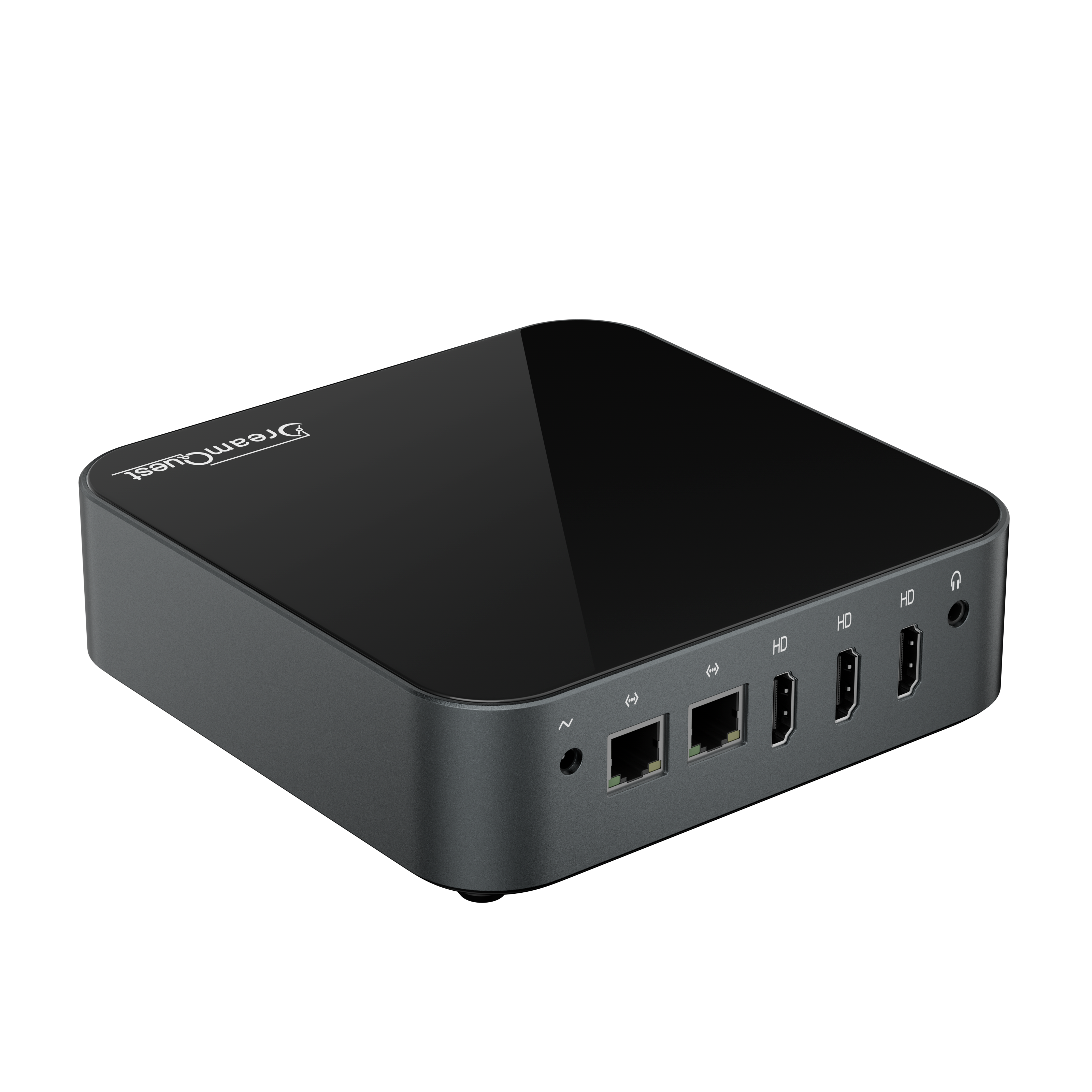
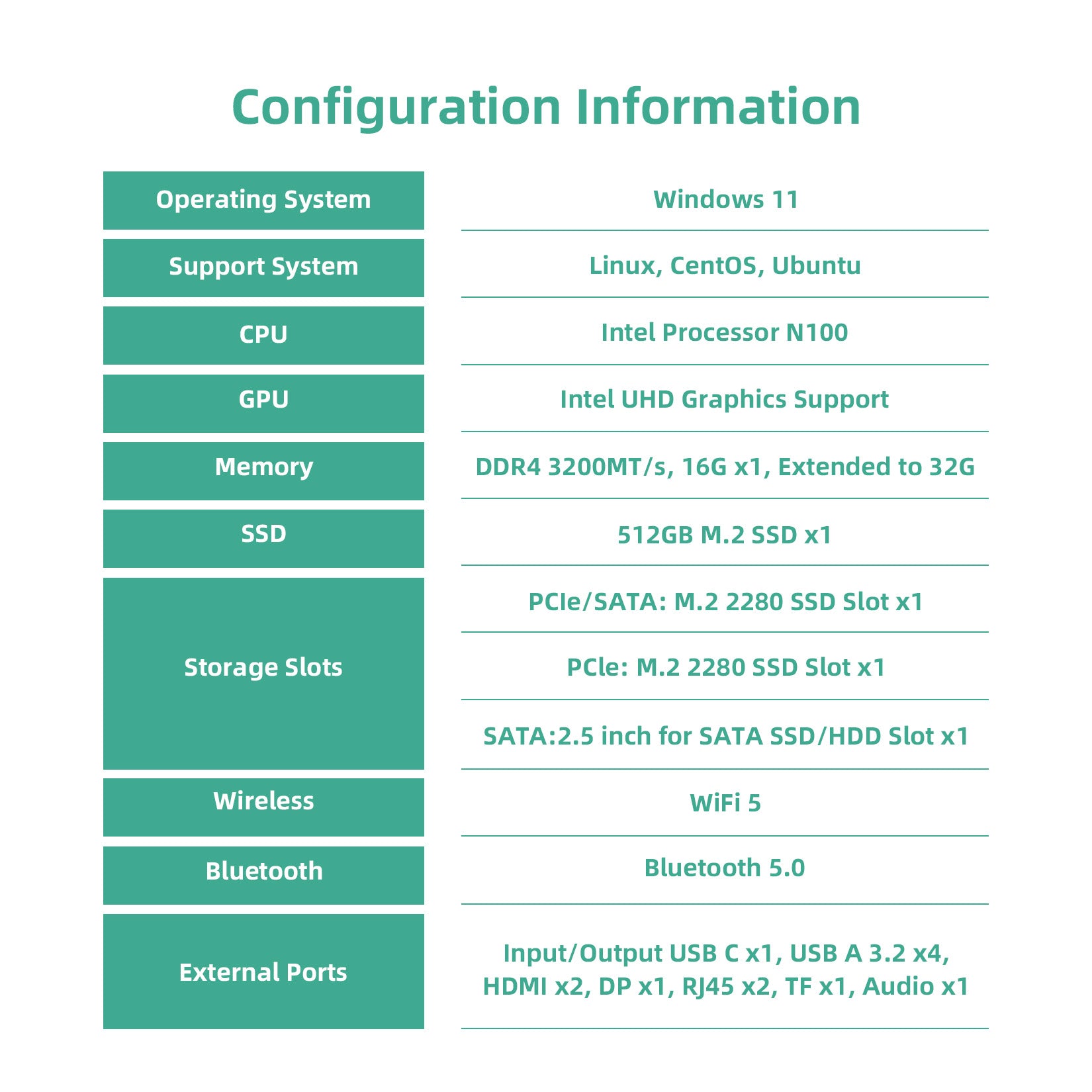
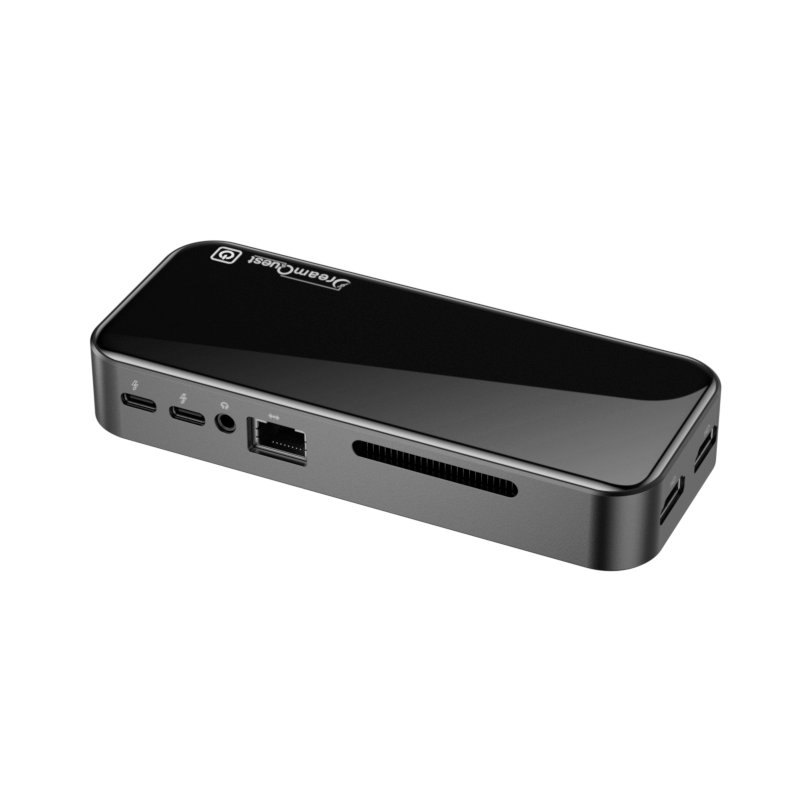
Despite its compact size, the DreamQuest Max includes a robust set of ports and connectivity features:
- USB-C & USB-A ports for peripherals
- Multiple HDMI outputs for multi-monitor support
- Dual Gigabit Ethernet for reliable wired networking
- Wi-Fi 6 and Bluetooth 5.3 for wireless devices
Whether you’re connecting a keyboard and mouse, external drives, or a triple-monitor setup, DreamQuest Max supports it all without add-ons.:contentReference[oaicite:5]{index=5}
💻 Ready for Work, Play & Home Office
DreamQuest Max is preinstalled with Windows 11 Pro and optimized for productivity and security. It boots fast and provides a familiar desktop experience with full support for Microsoft Office, Zoom/Teams video conferencing, and web-based applications.:contentReference[oaicite:6]{index=6}
Need a Linux setup? Many users report Linux compatibility with DreamQuest systems, giving you the flexibility to choose your operating environment.:contentReference[oaicite:7]{index=7}
📈 Who Should Buy the DreamQuest Max?
👨💼 Remote Professionals & Business Users
Great choice for office work, data analysis, or business applications — runs multiple apps without slowing down.
🎬 Entertainment & Home Media Setup
Use it as a media hub connected to your TV or monitor for 4K streaming, video playback, and web content.
📚 Students & Everyday Users
From essays and research to online classes and multitasking, it offers fast and responsive performance that makes daily tasks enjoyable.
⭐ Final Verdict — What Makes DreamQuest Max Worth It?
The DreamQuest Max Mini PC delivers a powerful combination of performance, expandability, and connectivity in a space-saving design. Whether you’re upgrading your home office or building a multi-monitor productivity setup, this mini PC is a cost-effective solution with serious flexibility — all without the bulk of a traditional desktop.:contentReference[oaicite:8]{index=8}
👉 Ready to elevate your workspace? Experience faster performance and better multitasking with the DreamQuest Max Mini PC today.
Choosing the Best Deep Learning Workstations for AI & ML: A Guide for Professionals
DreamQuest Mini PC Full Review
Related Posts

DreamQuest Max Deep Dive: Ultimate Desk Aesthetic or Performance Powerhouse?

DreamQuest Mini PC Full Review

Choosing the Best Deep Learning Workstations for AI & ML: A Guide for Professionals
DreamQuest N100 Mini PC Running Linux: Benchmarks
Discover the Ultimate Mini PCs for Your Home Theater in 2024!
How Much RAM Does a Mini PC Need?